
Upsell and cross‑sell that merchants can actually ship.
Arki Upsell is live: Milestone rewards and Buy 1 Get 1 in one calm admin—with live storefront previews—so you can ship real offers without juggling five tools. More campaign types are already on the roadmap.
Create a campaign
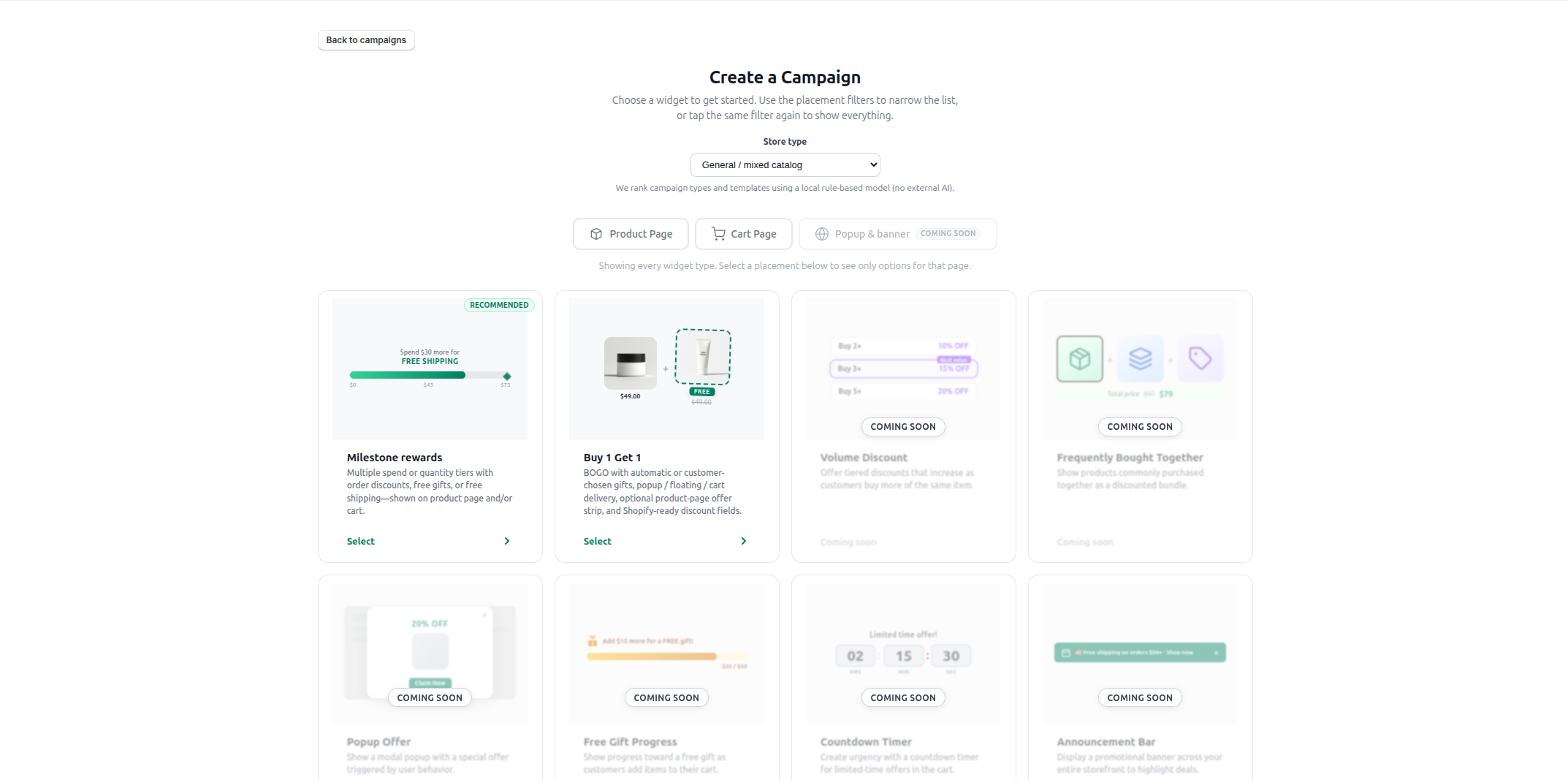
At launch: Milestone rewards and Buy 1 Get 1. Other types appear as Coming soon until we ship them.
Why teams pick Arki Upsell
Start with the promos you use most—then grow.
Whether you’re stacking cart milestones or a product‑page BOGO, the same patterns apply: clear setup, honest previews, and room for more types after launch.
Launch types that match real merchandising
Milestone rewards (spend or quantity tiers with discounts, gifts, or free shipping) and Buy 1 Get 1 (gifts or discounted seconds with flexible delivery). Volume, bundles, popups, and more are marked Coming soon in‑app.
Guided creation + live previews
Walk through targeting, tiers or BOGO rules, and display settings—then preview mobile and desktop before you publish.
A dashboard that respects your time
See active campaigns at a glance, jump into setup when the theme isn’t ready, and manage drafts from one place—without drowning in charts on day one.
Campaign creation
Configure milestone tiers without losing the plot.
Milestone rewards stay structured: cart value or quantity basis, order discounts, free gifts, free shipping—and a live progress preview so merchants and agencies both know what shoppers will see.
- Clear sections for targeting, tiers, and reward type.
- Mobile and desktop storefront previews as you edit.
- Shopify‑native discount fields wired for real checkout.
Example: Milestone rewards setup
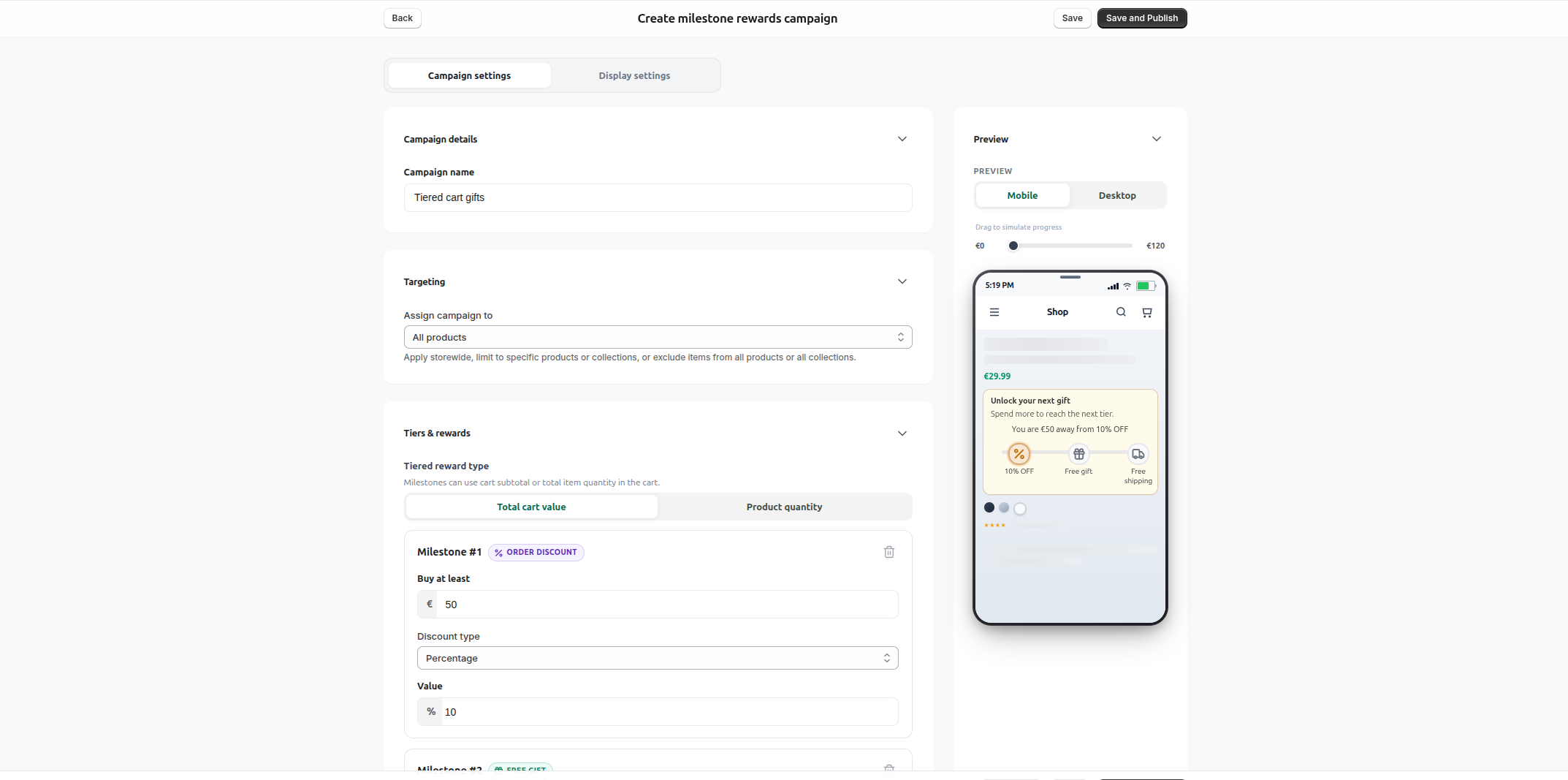
Real in‑app UI from the live product.
Merchant dashboard
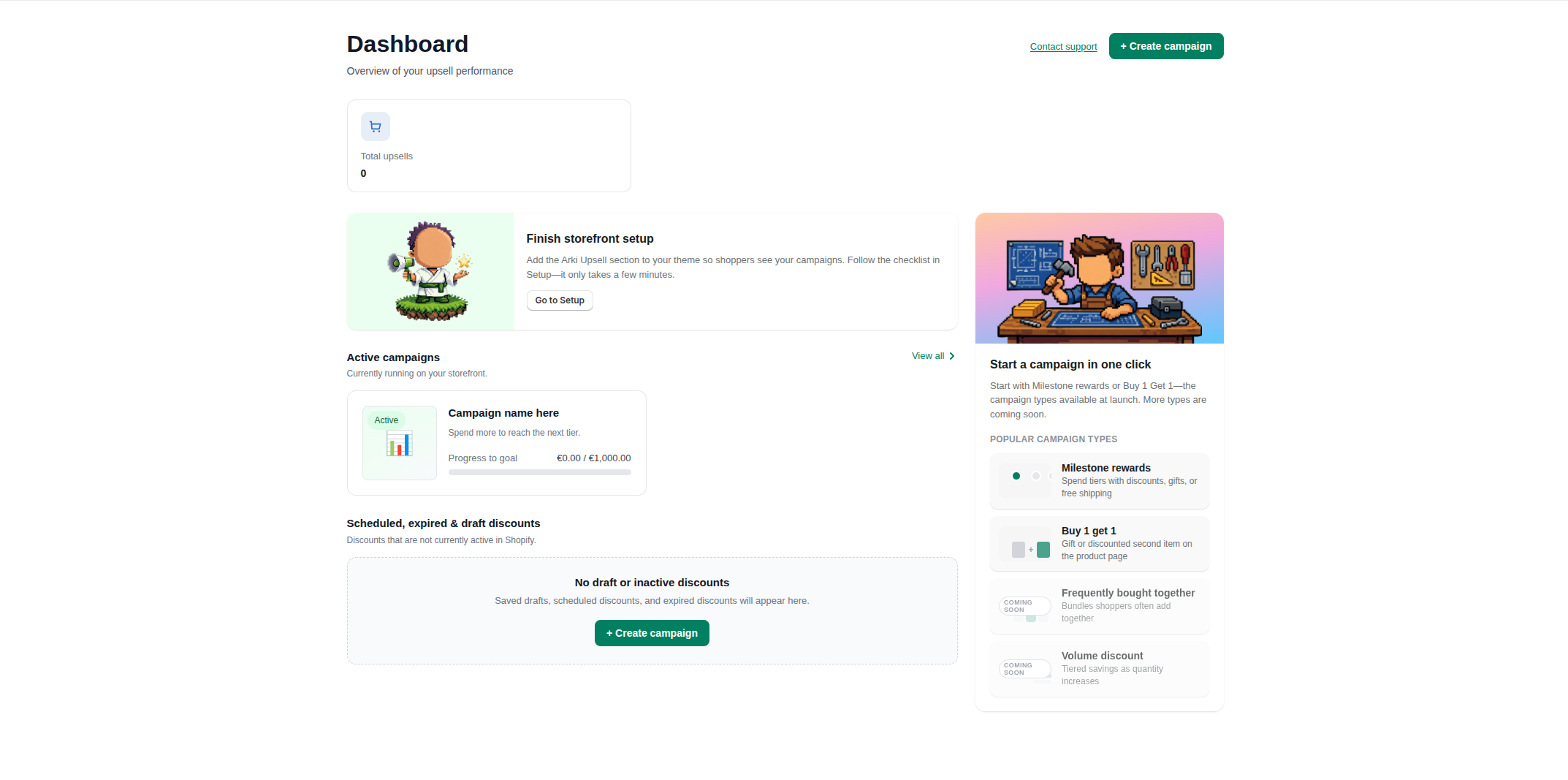
Real dashboard UI. Sample campaign names and zeros are illustrative until your store has traffic.
Dashboard
Home base for setup, shortcuts, and what’s live.
Finish theme setup from a clear banner, scan active campaigns, and start Milestone rewards or Buy 1 Get 1 in one click—while upcoming types stay labeled Coming soon so expectations stay honest.
- Simple counts for what’s live—expand analytics as you grow.
- Shortcuts to the launch campaign types merchants need first.
- Create, open setup, or jump to campaigns without hunting.
Support
We show up when setup gets heavy.
Campaigns touch discounts, placements, inventory, and theme quirks. When something takes longer than expected, we’d rather meet you there than leave you alone in a blank form.
- Thoughtful prompts when flows are genuinely complex.
- Talk to humans who know discount rules, placements, and next steps.
- Contact support or live chat—your choice, your pace.
In‑app help
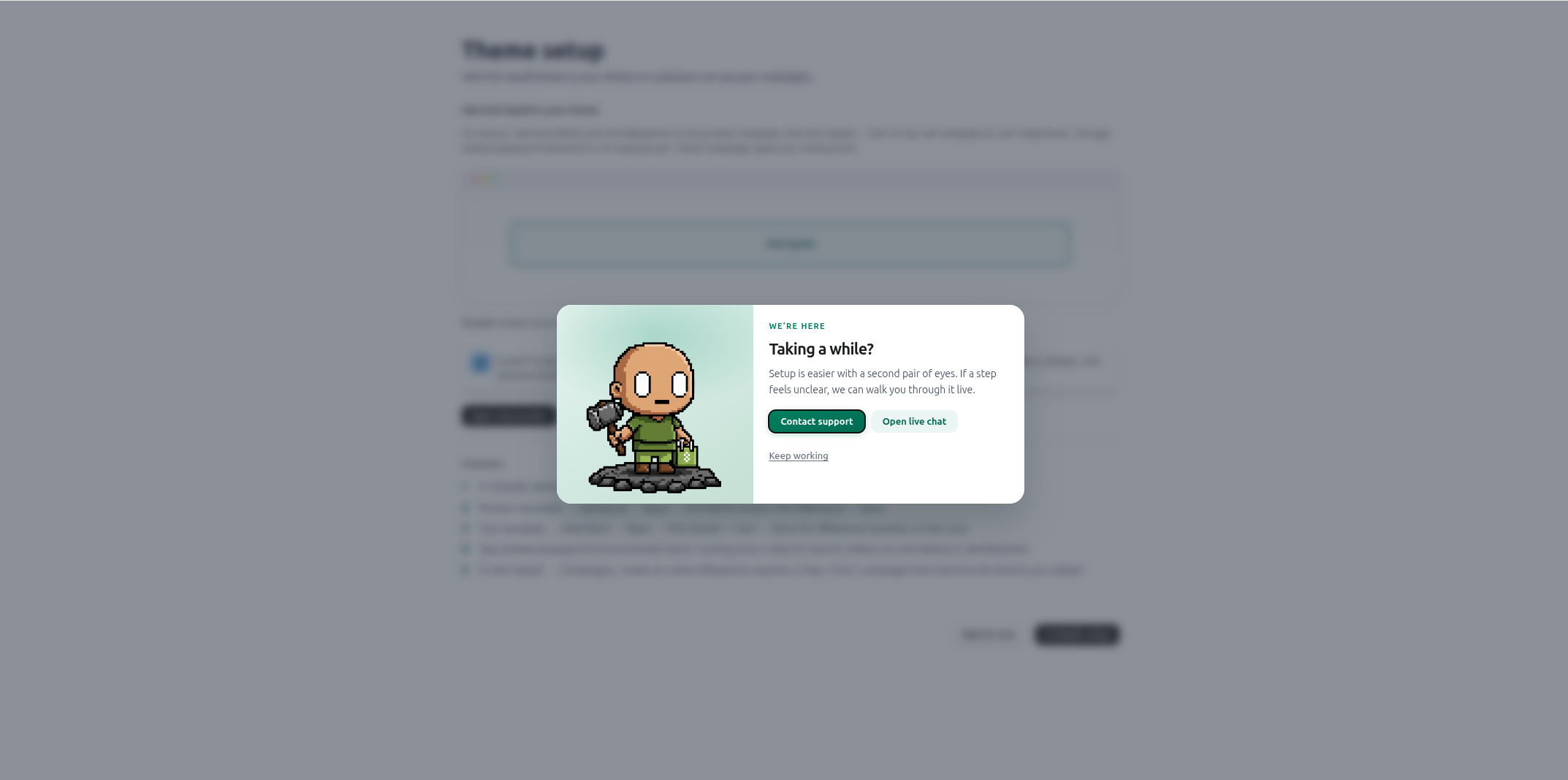
Support is part of the product—not an afterthought buried in a help center.
How it works
From idea to live offer—without the spreadsheet.
Built for busy Shopify teams—install from the App Store and ship your first campaign in minutes.
- 1
Install & pick a campaign type
Install from the Shopify App Store, then choose Milestone rewards or Buy 1 Get 1. Other widgets stay visible as Coming soon so you can see what’s next.
- 2
Configure rules & previews
Set products, discounts, tiers or gift delivery. Watch the storefront preview update as you go so merchandising and UX stay aligned.
- 3
Publish & manage from the dashboard
Finish theme setup, publish when you’re ready, then pause, edit, or create the next offer from campaigns—without leaving Shopify admin.
Questions
Frequently asked questions
Straight answers for merchants evaluating Arki Upsell.
Can I install Arki Upsell today?Details
Yes. Arki Upsell is live on the Shopify App Store—install free, then create Milestone rewards or Buy 1 Get 1 campaigns from Shopify admin.
Which campaign types ship at launch?Details
Milestone rewards and Buy 1 Get 1. Additional types (volume discount, frequently bought together, popups, and more) are shown in the app as Coming soon and will roll out after the MVP release.
Do offers apply at checkout?Details
Yes. Saving a campaign creates a matching Shopify discount so checkout pricing matches what shoppers see in the storefront widget.
Ready to install?
Add Arki Upsell to your store.
Install free from the Shopify App Store and start shipping Milestone rewards and Buy 1 Get 1 with checkout-backed discounts.